
Text to 3D
Describe an object in up to 1,024 characters and the AI generates a textured 3D model from the words alone, with no image needed. A model costs 8 credits on Ultra or 15 on Low-poly, and new accounts get 20 free. Text is the fastest way to explore ideas; an image gives you more control over the exact look.
- Up to 1,024 characters
- 8 credits on Ultra, 15 on Low-poly
- GLB, OBJ, FBX, STL, 3MF, USDZ, PLY
New accounts get 20 free credits. Failed generations are refunded.
How it works
- Step 1
Describe one object
Name it first, then its shape, material and color.
- Step 2
Say what to leave out
The optional field takes up to 255 characters, for things like a stand or a background.
- Step 3
Generate
Ultra for detail, Low-poly for real-time use.
- Step 4
Refine or download
Change a few words and run it again, or export the result.
At a glance
| Prompt length | Up to 1,024 characters |
|---|---|
| Cost | 8 credits on Ultra, 15 on Low-poly |
| Output | GLB, OBJ, FBX, STL, 3MF, USDZ, PLY |
| Texture | PBR, in Standard, HD or 8K |
How to write a prompt that works
Describe one object, the way you would to a prop modeller: what it is, what it is made of, its main colors and any distinctive parts. "A medieval wooden chest with iron hinges and a rusty lock" gives the model far more to work with than "a cool chest".
Leave out camera directions, lighting and scenes. You are describing a thing, not a picture of a thing. If you ask for several objects, expect them to be fused into one mesh.
Text or image?
Use text when you only have an idea and want to see options cheaply. Use an image when the look matters, because a picture pins down proportions and details that words leave open.
A good middle route is to generate a picture you like with any image tool, then bring it to the image-to-3D page. It costs 3 credits more on Ultra and removes most of the guesswork.
Real results, not mockups
Each model was generated on 3DLoom from the sample image in its corner. These are the engine's own renders.
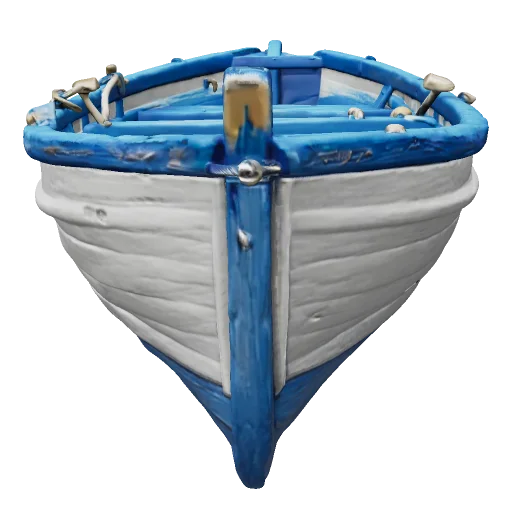 From a text prompt
Questions
Which languages can I write in?+
English gives the most predictable results. Short, concrete words work better than long sentences in any language.
Will I get the same model twice?+
No. Each run is different, even with the same words, which is useful for getting variations.
Can I change the texture afterwards?+
Yes. Open the finished model and use New texture, or paint on it by hand in the workspace.