
Image to 3D
Turn an image into a 3D model in minutes
Upload a JPG, PNG or WebP image of one object and the AI builds a textured 3D model from it, including the sides the image doesn't show. It works on photos, concept art, illustrations and AI-generated images, in about two to three minutes. A model on the Ultra engine costs 11 credits.
Try it free20 free credits when you sign in with Google. No subscription.
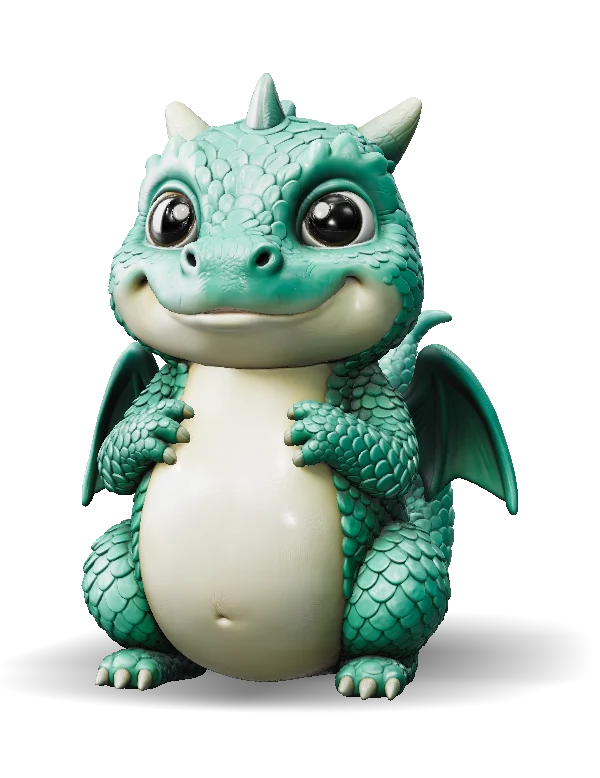
How to turn an image into a 3D model
A photo, a render or a piece of concept art goes in. A textured model you can turn around and download comes out.
Upload
Add a JPG, PNG or WebP up to 15 MB with one object fully in frame. A drawing or render works as long as the shape reads clearly.
New accounts get 20 free credits. Failed generations are refunded.
Generate
Choose Ultra for the densest mesh or Low-poly when the model has to run in real time. The model is ready in about two to three minutes.
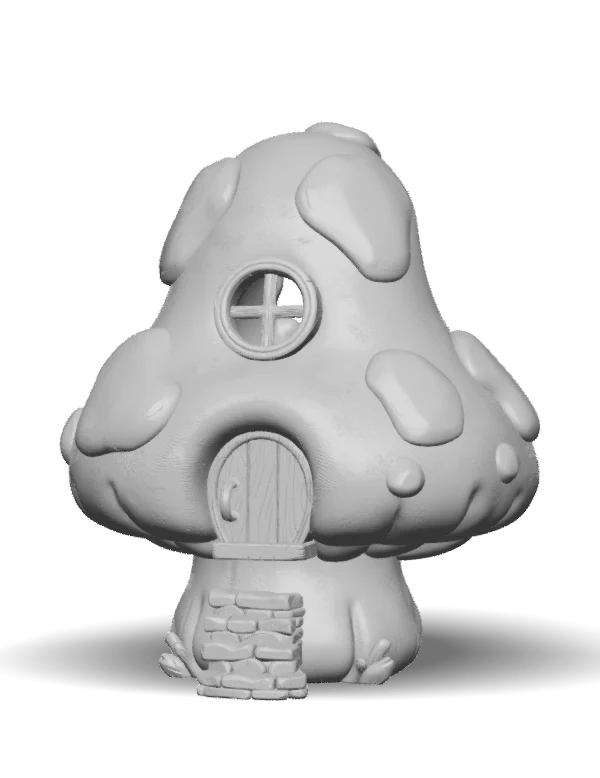
Shape 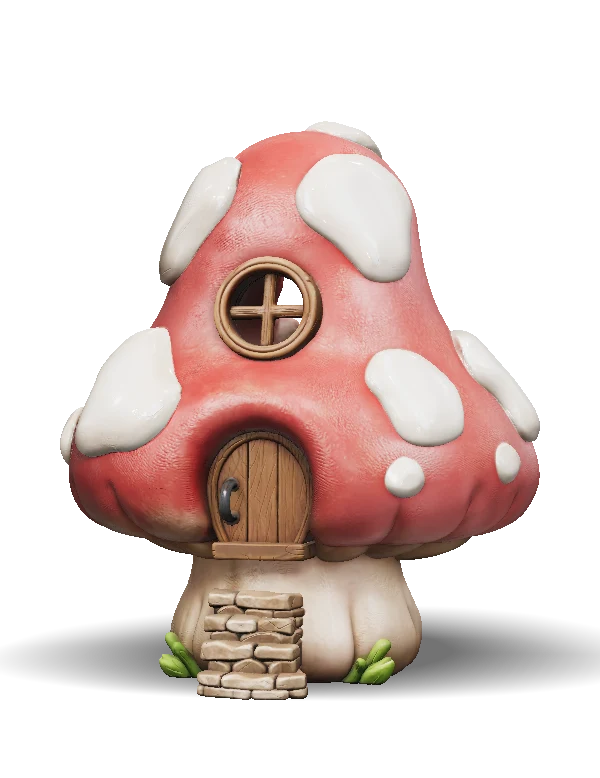
Textured Download
Turn it around in the viewer, look at the back the AI had to infer, then download it for your 3D software, engine or slicer.
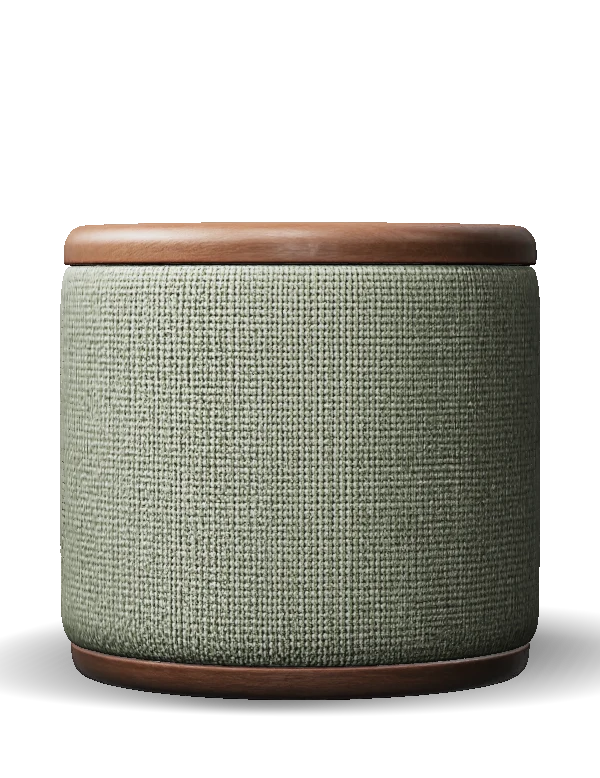
Download as
- GLB
- FBX
- OBJ
- STL
- 3MF
- USDZ
- PLY
Why make your 3D models here
One image is enough to start. When the back matters, add more views. Every model on this page was generated with the tool above.
From a single image to a full 3D model
Upload one picture and the AI rebuilds the whole object, including the sides and back the picture doesn't show.
- Works on photos, concept art, illustrations and AI images
- Backgrounds are handled for you
- Spin the model in your browser before you download
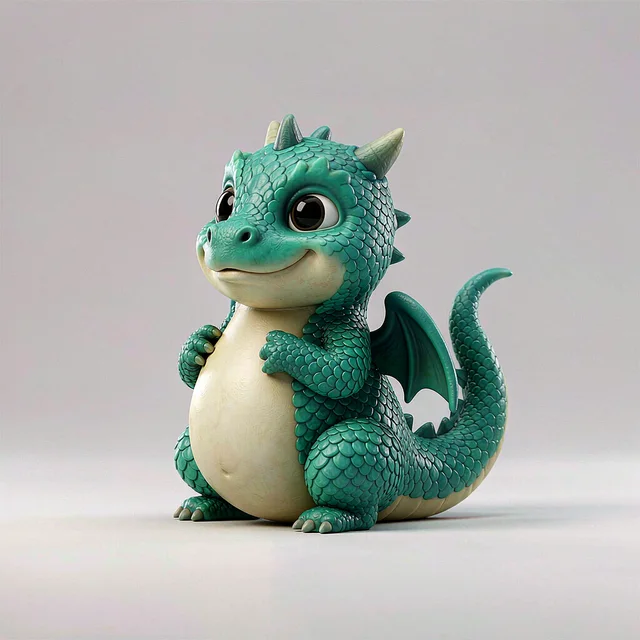
Control every side with four views
When the back has to match your design, add the front, left, back and right views of the same object.
- Exactly four images, all in the same pose
- Same price as a single image on Ultra
- The sides follow your views instead of a guess

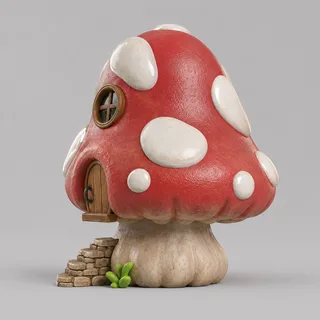

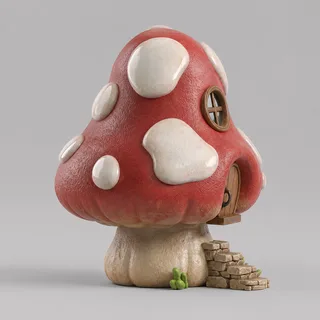
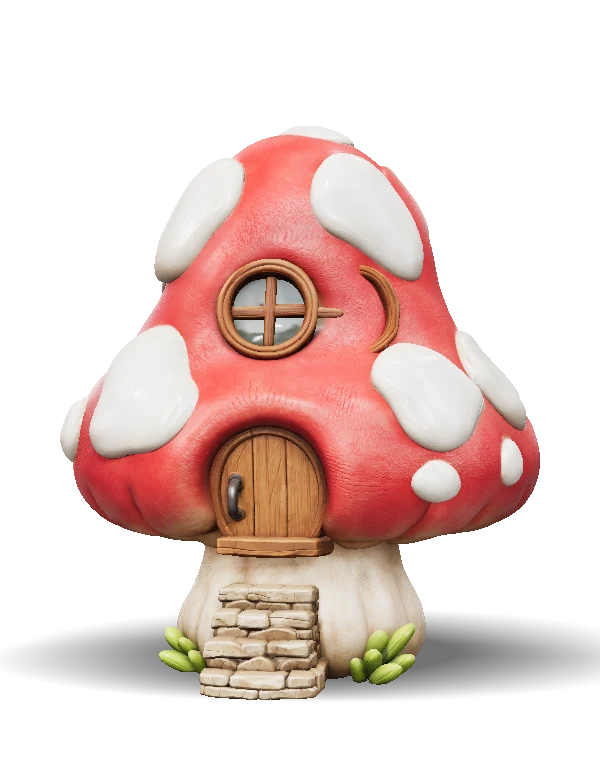
Up to about two million triangles
Ultra builds a dense mesh with the detail in the geometry itself, so forms hold up under light from any angle.
- About 1.4–2 million triangles in our tests
- Switch to shape-only to inspect the geometry
- Reduce it later without paying again
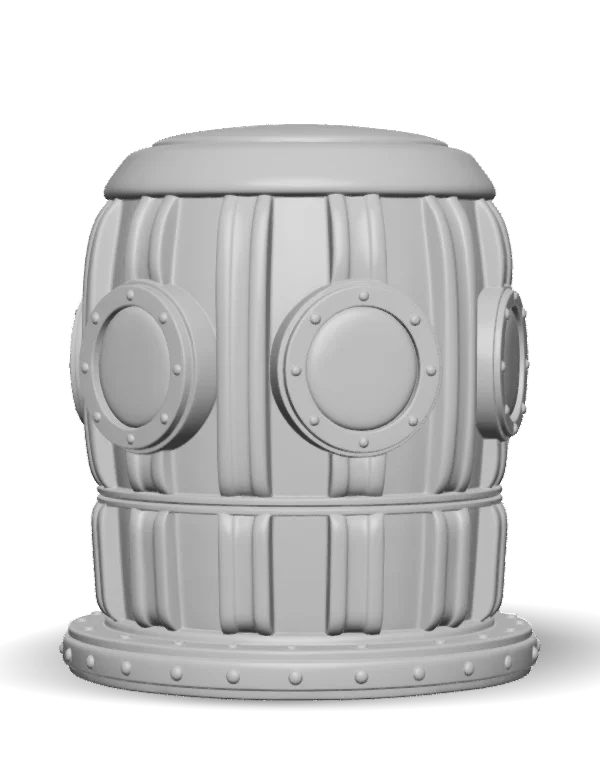
Textures that react to light
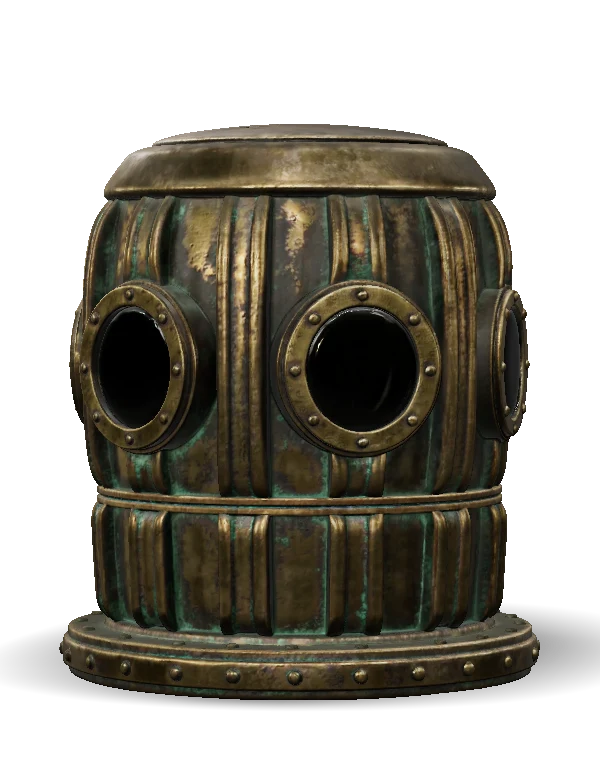
Each model comes with PBR maps, so metal, wood and fabric respond to light in a game engine or renderer.
- Base color, metal-roughness and normal maps in GLB
- Touch up the texture with a brush in the browser
- Render product shots and a turntable video
From model to finished asset
The generator is the start. The steps after it happen in the same browser tab.
GLB · FBX · OBJ
Every common format
Download GLB, OBJ, FBX, USDZ, PLY, STL or 3MF for Blender, Unity, Unreal, AR and your slicer.
Browser
Nothing to install
Upload, inspect and export in the browser. You don't need a GPU or any 3D software.
Background
No masking needed
You don't have to cut the object out first. A plain background still gives the cleanest result.
200k · 50k · 10k
Lighter copies included
Download any model at 200,000, 50,000 or 10,000 triangles, with the texture baked again for the simpler mesh.
STL · 3MF
A closed solid for printing
Print files are rebuilt as one closed solid at the height you enter, with an optional flat bottom, base and hollowing.
PNG · Video
Renders for your page
Make product shots on several backdrops and a six-second turntable video from the finished model.
Built for the work you're doing
Pick what you are making. The settings differ a little, and the starting point is always one image.
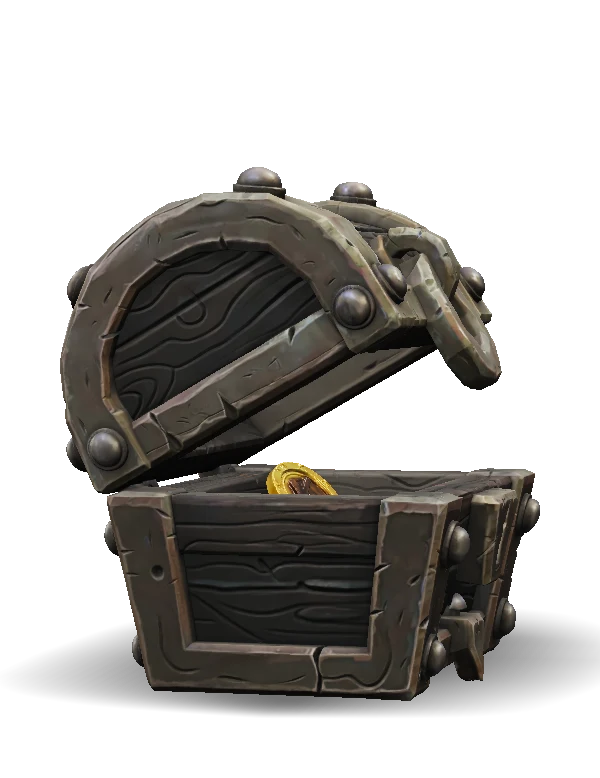
Props and environment pieces
Turn concept art into textured props. Use the Low-poly engine for a hard triangle limit, or download a lighter copy of an Ultra model.
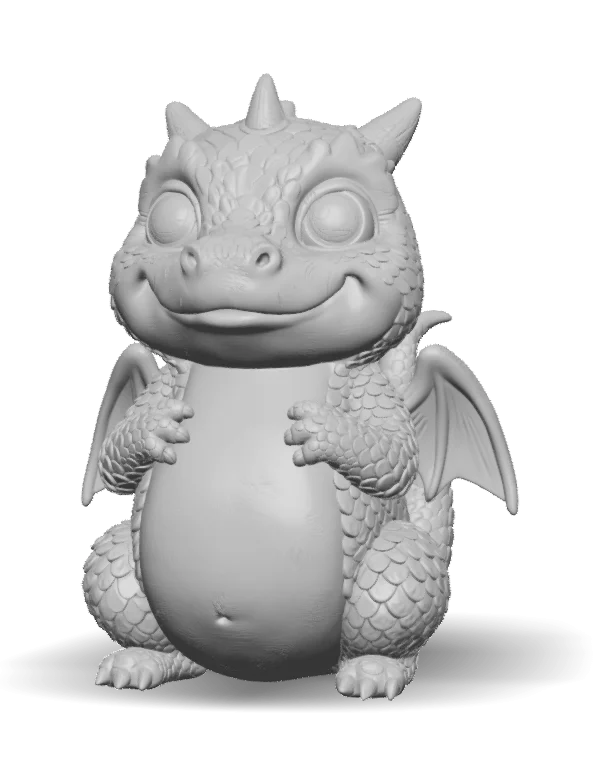
Figures and display pieces
Generate a figure from one picture, enter the height in millimeters, and download a closed STL or 3MF for your slicer.
Early product visuals
Take a sketch or render into 3D to check the form from every angle, and make quick product shots before you commit to CAD.
Hero objects and set pieces
Build a richly detailed object for a render, a previz scene or a web page, then export the full-detail GLB.
Measured, not promised
- Input
- JPG, PNG or WebP, up to 15 MB
- Cost
- 11 credits on Ultra, 19 on Low-poly
- Time
- 123 seconds in our latest timed run
- Mesh
- About 1.4–2 million triangles on Ultra
- Output
- GLB, OBJ, FBX, STL, 3MF, USDZ, PLY
- Several views
- Exactly four: front, left, back, right
- Free credits
- 20 when you sign in with Google
- If it fails
- Credits are refunded automatically
Which kinds of image work
A photo is not required. Concept art, a clean illustration, a product render and a game sprite with some shading can all work. What matters is whether the picture explains the shape.
A flat logo or a line drawing with no shading gives the AI very little depth, and a relief is often the better tool for those.
When one image is not enough
A single image leaves the far side to inference. If you have the object from all sides, switch to Multi-view and add the front, left, back and right views.
All the views must show the same object in the same pose. Views that disagree produce a muddled mesh.
Image to 3D, photo to 3D or image to STL?
They share one generator and end in different places. This page covers the range of images you can start from. Photo to 3D is about shooting real objects, and image to STL is about getting a closed solid onto a printer.
Guides and tools
Frequently asked questions
How long does it take to turn an image into a 3D model?+
Usually two to three minutes on Ultra. Our latest timed run took 123 seconds.
Can I convert an image to 3D for free?+
You get 20 free credits when you sign in with Google, which covers one model on Ultra or Low-poly. After that you buy credit packs, with no subscription.
How do I convert a JPG to a 3D model?+
Upload the JPG, choose an engine and generate. PNG and WebP work the same way, up to 15 MB.
Can I use several photos of one object?+
Yes. Multi-view takes exactly four images of the same pose: front, left, back and right. It costs the same as one image on Ultra.
Can I get a low-poly model from an image?+
Yes. The Low-poly engine takes a limit of 1,000, 5,000 or 20,000 triangles. Any Ultra model can also be downloaded at 200,000, 50,000, 10,000 or 4,000 triangles.
Does the background need removing first?+
No, it is handled for you. A plain background still gives a cleaner result than a cluttered one.
Which 3D formats can I export?+
GLB, OBJ, FBX, USDZ and PLY for 3D work, and STL and 3MF for printing.
Can I turn an image into an STL for 3D printing?+
Yes. The STL is rebuilt as one closed solid at the height you enter. See the image to STL page for details.
Do the models work in Blender, Unity and Unreal?+
Yes. Blender and Godot open the GLB. Unity needs its free glTFast package for GLB, or you can use the FBX download, which also imports into Unreal.
Can I use an AI-generated image?+
Yes. It is often easier than a photo, because you can ask for one object on a plain background from a three-quarter angle.
Who owns the 3D models?+
The model is yours if you had the rights to the image. Don't upload characters, brands or people without permission.
What if the generation fails?+
Failed generations are refunded automatically. If a finished model isn't what you wanted, try a sharper image with the whole object in frame.